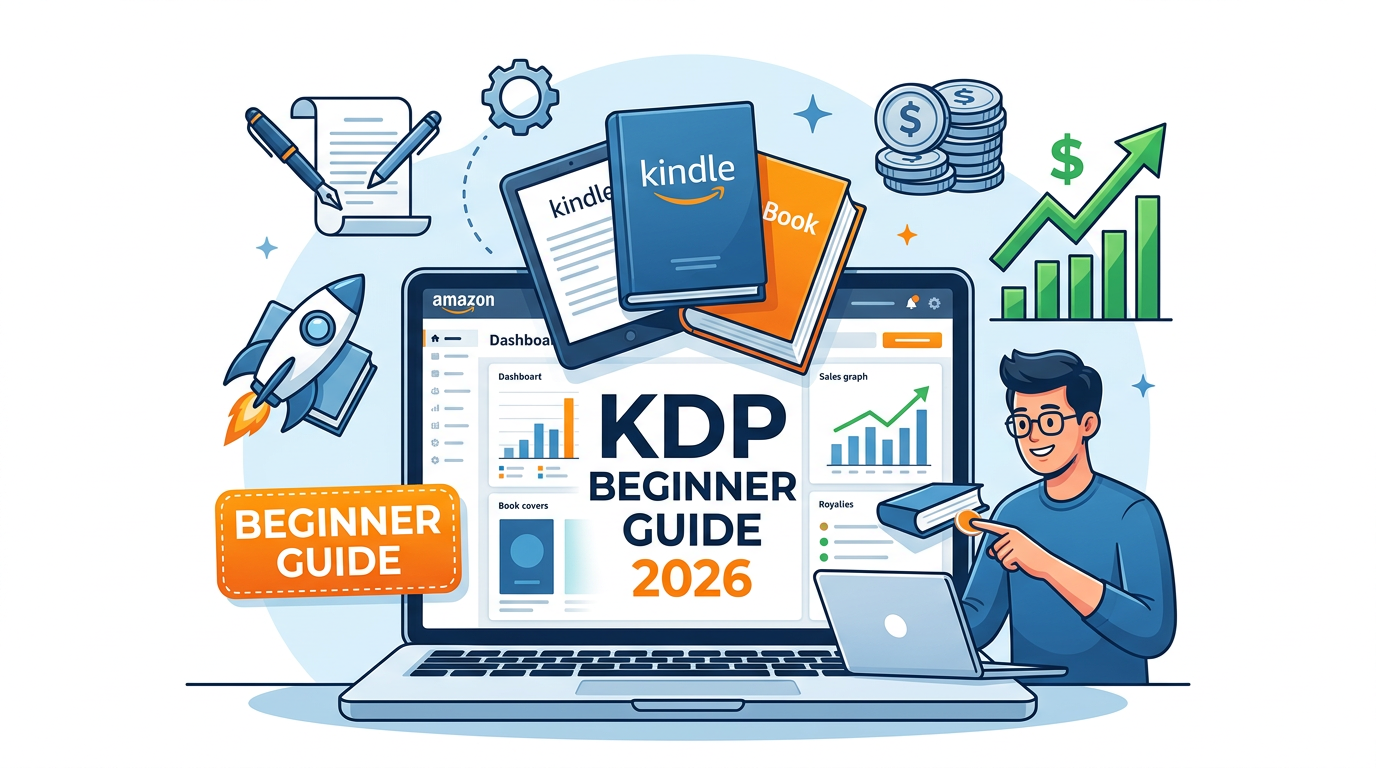
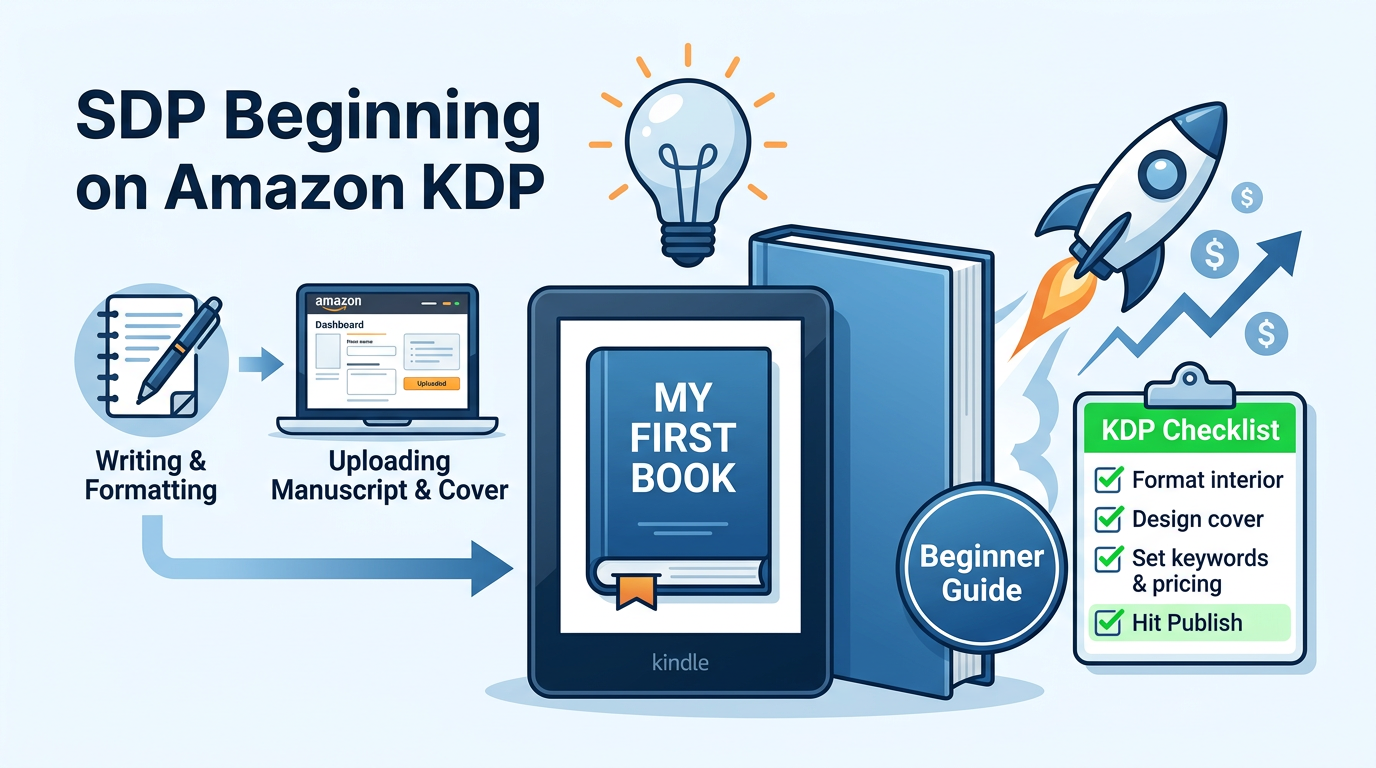
The landscape of self-publishing has undergone a seismic shift over the last decade, and as we navigate through 2026, Amazon Kindle Direct Publishing (KDP) remains the undisputed titan of the industry. However, the days of "upload and pray" are long gone. Today, success on KDP requires a sophisticated blend of high-quality content creation, data-driven market research, and strategic digital marketing. Whether you are a novelist, a non-fiction expert, or a low-content creator, this guide provides the blueprint for building a sustainable publishing business from scratch.
In 2026, the barrier to entry is lower than ever thanks to advanced creative tools, but the barrier to success is higher. Readers are more discerning, and the Amazon algorithm is more attuned to quality signals than ever before. This comprehensive guide will walk you through the technical, creative, and commercial aspects of Amazon KDP, ensuring your first book isn't just published, but positioned to thrive in a competitive global marketplace.
Understanding the 2026 Self-Publishing Ecosystem
Before clicking the "Create" button, it is vital to understand what self-publishing looks like today. Amazon KDP now accounts for over 80% of the English-language ebook market. In 2026, the platform has integrated even more deeply with Audible and social commerce features, making it a multi-media hub rather than just a bookstore. Authors are no longer just writers; they are "Author-Preneurs" who manage a brand, a catalog, and a customer base.
The "Gold Rush" era of low-quality AI-generated spam has led to stricter Amazon policies. To survive and thrive in 2026, you must prioritize E-E-A-T (Experience, Expertise, Authoritativeness, and Trustworthiness). Amazon’s search engine now rewards books that garner genuine engagement and high "read-through" rates. If you are writing non-fiction, your credentials matter. If you are writing fiction, your ability to satisfy genre tropes while offering a fresh voice is your greatest asset.
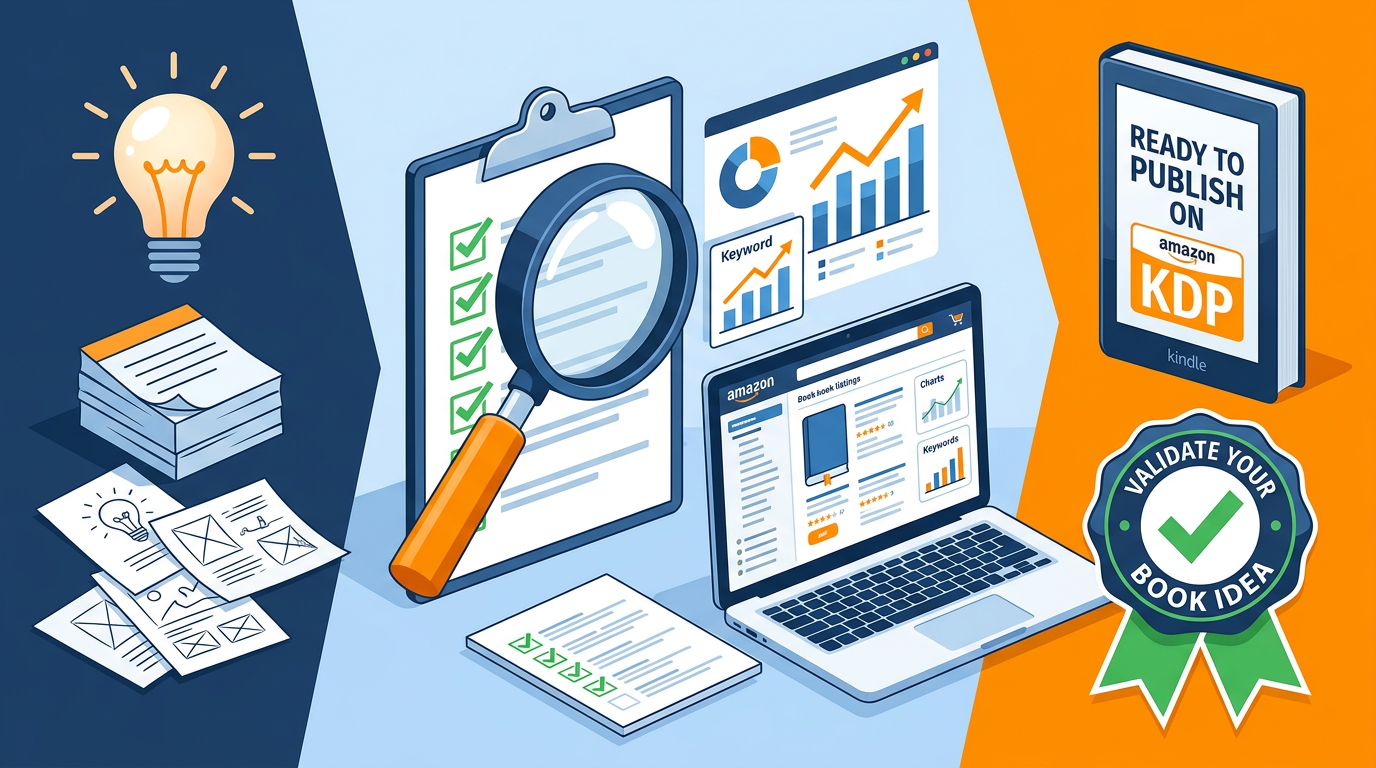
Step 1: Market Research and Niche Selection
The biggest mistake beginners make is writing a book for "everyone." In 2026, the riches are in the niches. You must identify a specific group of people with a specific problem or a specific taste in entertainment. Use data to drive your decisions rather than intuition alone.
Finding a Profitable Niche
A profitable niche resides at the intersection of high demand and manageable competition. Use the Amazon search bar to look for "Long-tail keywords." For example, instead of targeting "Fitness," look for "Strength training for women over 50 with joint pain." The latter is a specific audience you can speak to directly.
To streamline this process, tools like our Keyword Combiner can help you generate variations of high-intent search terms that readers are actually typing into the search bar. Look for niches where the top 10 books have a Best Sellers Rank (BSR) under 50,000, as this indicates healthy daily sales.
Competitive Analysis
Once you find a niche, read the 1-star and 3-star reviews of the top-selling books in that category. What are the readers complaining about? Did the author miss a specific topic? Is the formatting poor? These complaints are your opportunities. Your goal is to create a "Bridge Book" that fills the gaps left by existing titles.
Step 2: Setting Up Your KDP Account for Global Royalties
Setting up your account is free, but doing it correctly is essential for getting paid and staying compliant with international tax laws. You will need your legal name, address, and social security number (or foreign tax ID). Amazon is a US-based company, so if you are an international author, you must complete the online tax interview to benefit from tax treaties and avoid a 30% withholding tax.
For your banking details, ensure you use a service that provides you with a "Virtual US Bank Account" if your local bank isn't supported. In 2026, most authors use services like Wise or Payoneer to receive royalties in USD, GBP, and EUR without heavy conversion fees. Once your account is live, you can access the "KDP Bookshelf," which will be the command center for your publishing empire.
Step 3: Crafting a High-Quality Manuscript
Whether you are writing a 50,000-word novel or a 10,000-word guide, quality is non-negotiable. In 2026, readers have zero tolerance for typos or poor formatting. Use professional writing software like Scrivener, Atticus, or Vellum to ensure your file structure is clean.
The Role of AI in Writing (2026 Perspective)
While AI tools are prevalent, Amazon now requires authors to disclose if their content is AI-generated. The most successful authors use AI as a co-pilot—for outlining, brainstorming, or developmental editing—but keep the "human heart" of the story intact. Pure AI-generated text often lacks the nuance and emotional resonance required to build a loyal fanbase.
Professional Editing
Never skip the editing phase. At a minimum, your book should go through:
- Developmental Editing: Focusing on the big picture, flow, and structure.
- Copyediting: Fixing grammar, syntax, and style.
- Proofreading: The final check for typos and punctuation errors.
If you are on a budget, use advanced grammar checkers, but nothing replaces a human editor’s eye for context and tone.
Step 4: Book Formatting and Interior Design
Your book must look professional on both a Kindle Paperwhite and a physical paperback. Amazon KDP supports various formats, but .kpf (Kindle Create) or .epub are the standards for ebooks, while a print-ready PDF is required for paperbacks. Pay close attention to "Gutters" and "Margins." If your margins are too small, your text will disappear into the spine of the physical book.
For paperbacks, your page count determines the width of your spine. Using a Cover Calculator is critical at this stage to ensure your cover art wraps perfectly around the physical dimensions of your book. Even a 2mm error can result in a rejected file or a lopsided cover.
Step 5: The "Click-Through" Factor: Cover Design
Humans do judge books by their covers. In the digital scroll of the Amazon store, your cover has less than two seconds to grab a reader's attention. A professional cover must:
- Clearly communicate the genre (e.g., dark colors for thrillers, bright/pastel for romance).
- Have a readable title, even when viewed as a tiny thumbnail on a mobile device.
- Feature high-resolution imagery (300 DPI minimum).
Unless you are a professional graphic designer, hire an expert from platforms like 99designs or Reedsy. A $200 investment in a cover can be the difference between $0 and $10,000 in royalties.
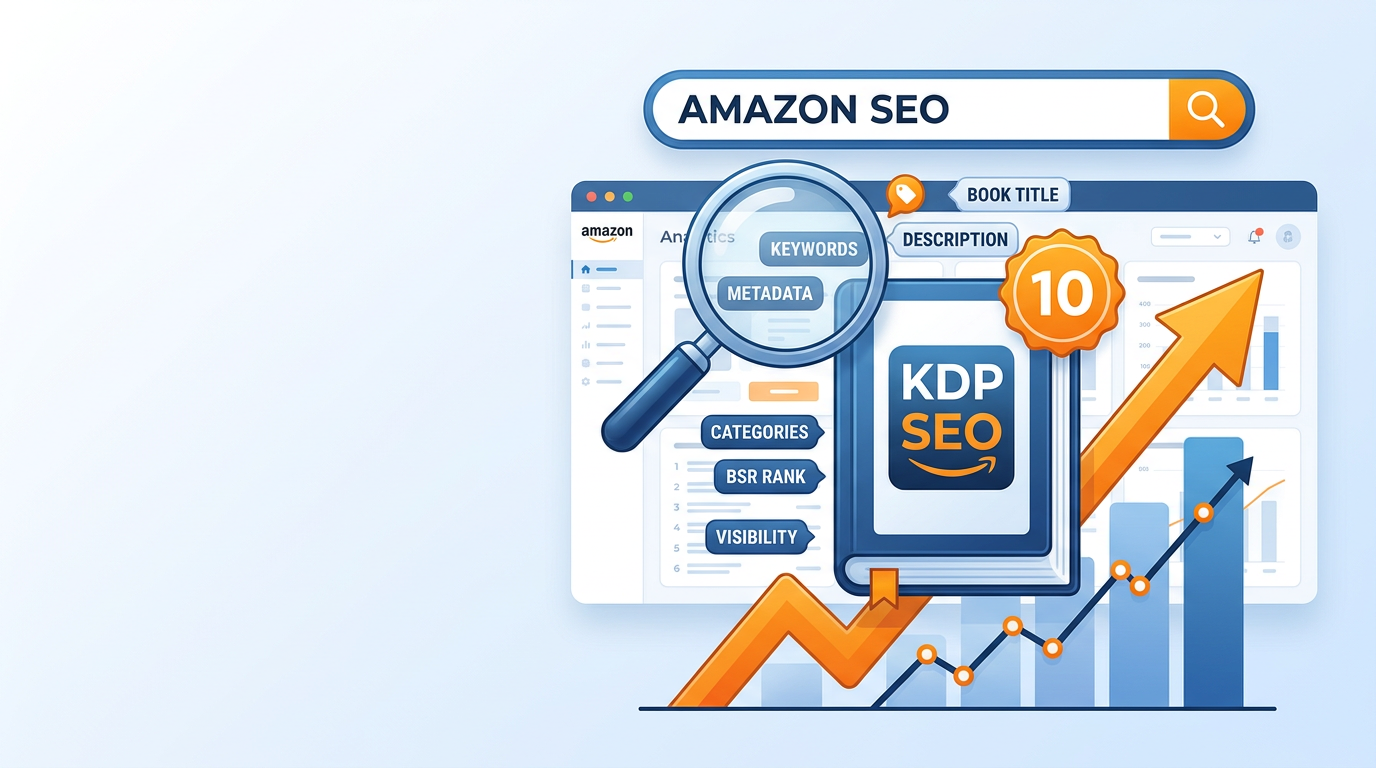
Step 6: Mastering Metadata and SEO
Metadata is how the Amazon algorithm finds your book and puts it in front of the right readers. This includes your Title, Subtitle, 7 Backend Keywords, and Categories. In 2026, the algorithm heavily favors "Search Intent."
The Power of the Subtitle
Your title should be catchy, but your subtitle should be SEO-heavy. For non-fiction, use the subtitle to explain the benefit: "How to Publish on KDP: A Step-by-Step Guide to Passive Income and Global Distribution." For fiction, use the subtitle to signal the sub-genre and tropes: "A Grumpy-Sunshine Small Town Romance."
The 7 Backend Keywords
Don't repeat words already in your title. Instead, use these slots for phrases your target audience searches for. If you are struggling to find the right combinations, the Keyword Combiner tool can help you maximize these 50-character slots with high-value phrases.
Step 7: The Sales Page and HTML Descriptions
Your book description is your "Sales Letter." It needs to hook the reader, build tension (for fiction) or promise a transformation (for non-fiction), and end with a strong Call to Action (CTA). However, Amazon's default description editor is limited. To make your description stand out with bold headers, bullet points, and professional spacing, you should use our HTML Description Formatter. A well-formatted description increases conversion rates by making the text skimmable and authoritative.
"An unformatted block of text is a barrier to entry. Use HTML to guide the reader's eye to your most persuasive selling points." – Industry Insight, 2026.
Step 8: Pricing and Royalty Strategy
Pricing is a strategic lever. Amazon offers two royalty tiers: 35% and 70%. To qualify for the 70% royalty, your ebook must usually be priced between $2.99 and $9.99. For paperbacks, the calculation is more complex as it involves printing costs which vary by page count and ink type.
Before setting your price, use the Royalty Calculator to see your actual "Take Home" pay after Amazon's cut and printing fees. In 2026, many authors are finding success with a "Loss Leader" strategy—pricing the first book in a series at $0.99 to hook readers, then pricing subsequent books at $4.99 or higher to maximize profit.
Step 9: Launching Your Book to the World
A successful launch requires momentum. Amazon’s algorithm tracks your "Sales Velocity"—how many books you sell in a short period. The higher the velocity, the more Amazon will promote your book for free through its "Also Bought" and "Recommended for You" sections.
The ARC Strategy
Before your launch date, send out "Advance Review Copies" (ARCs) to a small group of readers or professional reviewers. Having 10–15 honest reviews on day one provides the "Social Proof" needed to convince strangers to buy your book. In 2026, Amazon is very strict about review manipulation, so ensure your reviewers are not family members and that they disclose they received a free copy for an honest review.
Amazon Ads (AMS)
Once your book is live and has a few reviews, start with Amazon Advertising. Sponsored Product ads allow you to show your book on the sales pages of your competitors. Start with a low budget ($5/day) and focus on "Keyword Targeting" to reach readers interested in your specific niche.
Common Mistakes Beginners Make
Even with the best intentions, many new authors fall into these traps. Awareness is the first step to avoidance:
- Ignoring the "Look Inside" Feature: Readers will preview the first 10% of your book. If your formatting is messy or your introduction is boring, they will leave.
- Choosing Too Many Categories: Be specific. Don't put your book in a broad category like "Fiction." Use the most granular category possible (e.g., "Techno-Thrillers > Cyberpunk").
- Violating KDP Terms of Service (ToS): This includes using copyrighted images on your cover or "Keyword Stuffing" in the author name field. Amazon is quick to ban accounts in 2026 for these infractions.
- Neglecting A+ Content: This is the visual section on your sales page where you can show off interior layouts or author bios. In 2026, books with A+ content convert 15% better than those without.
Expert Insights: Scaling Your Publishing Business
Once you have one book published, you are not just an author; you are a business owner. The most successful publishers in 2026 focus on "Series Power." It is much cheaper to sell a second book to an existing fan than it is to find a brand-new reader. Focus on building an email list from day one. Include a link at the back of your book offering a "Lead Magnet" (a free short story or a checklist) in exchange for their email address.
Furthermore, diversify your formats. A single manuscript can be an ebook, a paperback, a hardcover, and an audiobook. In 2026, AI-narrated audiobooks (Virtual Voice) have become highly sophisticated and are a low-cost way to enter the booming audio market via KDP's own tools.
Frequently Asked Questions (FAQ)
Do I need an ISBN to publish on Amazon?
For ebooks, an ISBN is not required. For paperbacks, Amazon will provide a free ISBN, but keep in mind that this ISBN can only be used on Amazon. If you want to sell your book in local bookstores or other platforms, it is better to buy your own ISBN from Bowker (US) or your local agency.
How long does it take for my book to go live?
Usually, ebooks are live within 24 to 48 hours. Paperbacks take a bit longer as they undergo a manual review for printing specs, typically 72 hours. During peak seasons (like Q4), these times can double.
Can I update my book after it is published?
Yes! One of the best parts of KDP is the ability to upload a new manuscript or cover file at any time. The changes will usually be live within 24 hours. This is great for fixing minor typos discovered after launch.
Conclusion: Your Path to Publishing Success
Success on Amazon KDP in 2026 is a marathon, not a sprint. It requires a commitment to learning the platform, respecting your readers, and treating your books as long-term assets. By following the steps in this guide—from rigorous niche research using the Keyword Combiner to professional presentation with the HTML Description Formatter—you are already ahead of 90% of the competition.
The most important step you can take today is to start. Perfection is the enemy of progress. Publish your first book, learn from the data, listen to your readers, and then use that knowledge to make your second book even better. The global audience is waiting for your story—go tell it.
Be the first to leave a comment!